
In this guide
- Separate capture, design and management
- Build the shot list before requesting prices
- Use a fictional budget to expose tradeoffs
- Identify cost drivers that image count misses
- Define what retouching includes
- Clarify rights, files and long-term use
- Keep the first brief comparable
- Choose where AI helps and where new capture is needed
Two photographers can quote very different totals for what sounds like the same job: product photos for one Amazon listing. One quote covers six simple product angles. The other includes creative planning, a styled room, prop sourcing, detailed retouching and a usage licence. Comparing only the total tells you little about which offer fits.
A useful Amazon product photography budget starts with deliverables, not an assumed market price per image. Define what needs to be captured, what needs to be designed afterwards and which files your team needs to retain. This makes the budget easier to adjust without accidentally cutting the most important evidence.
Separate capture, design and management
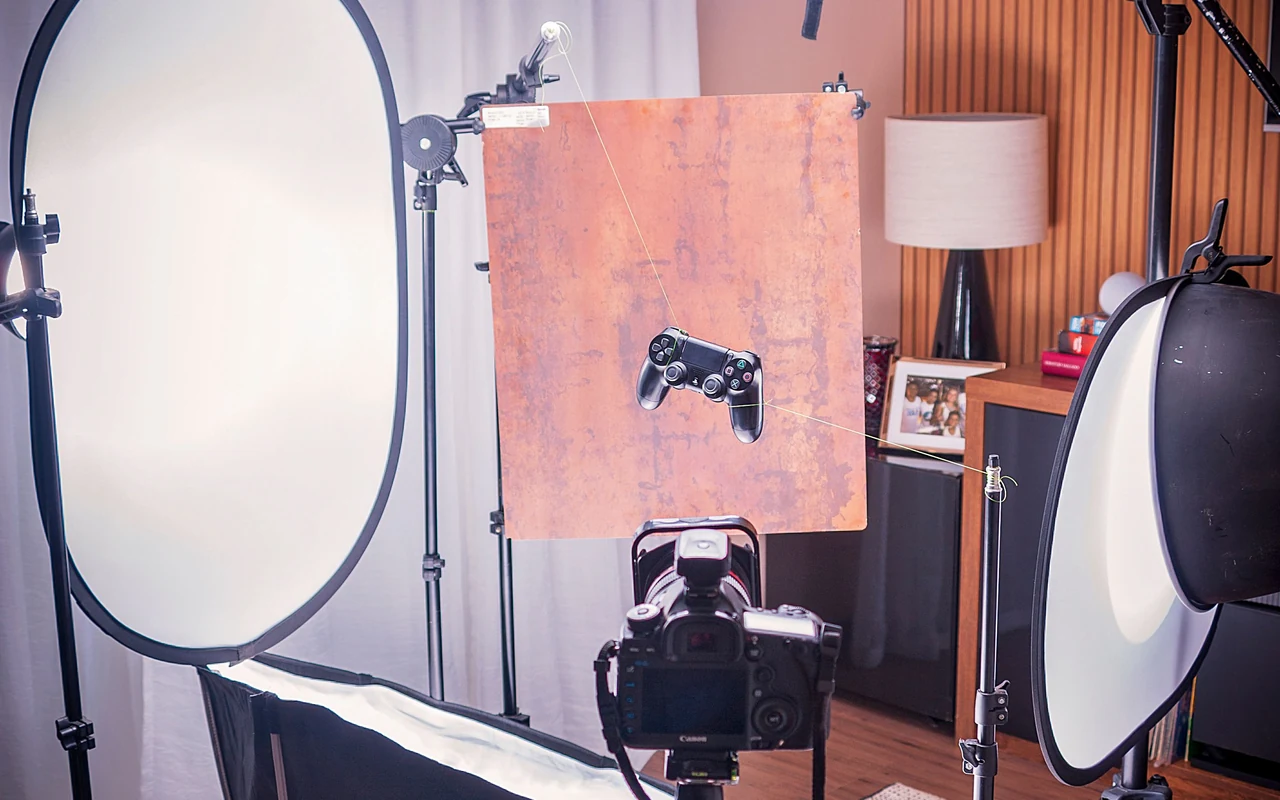
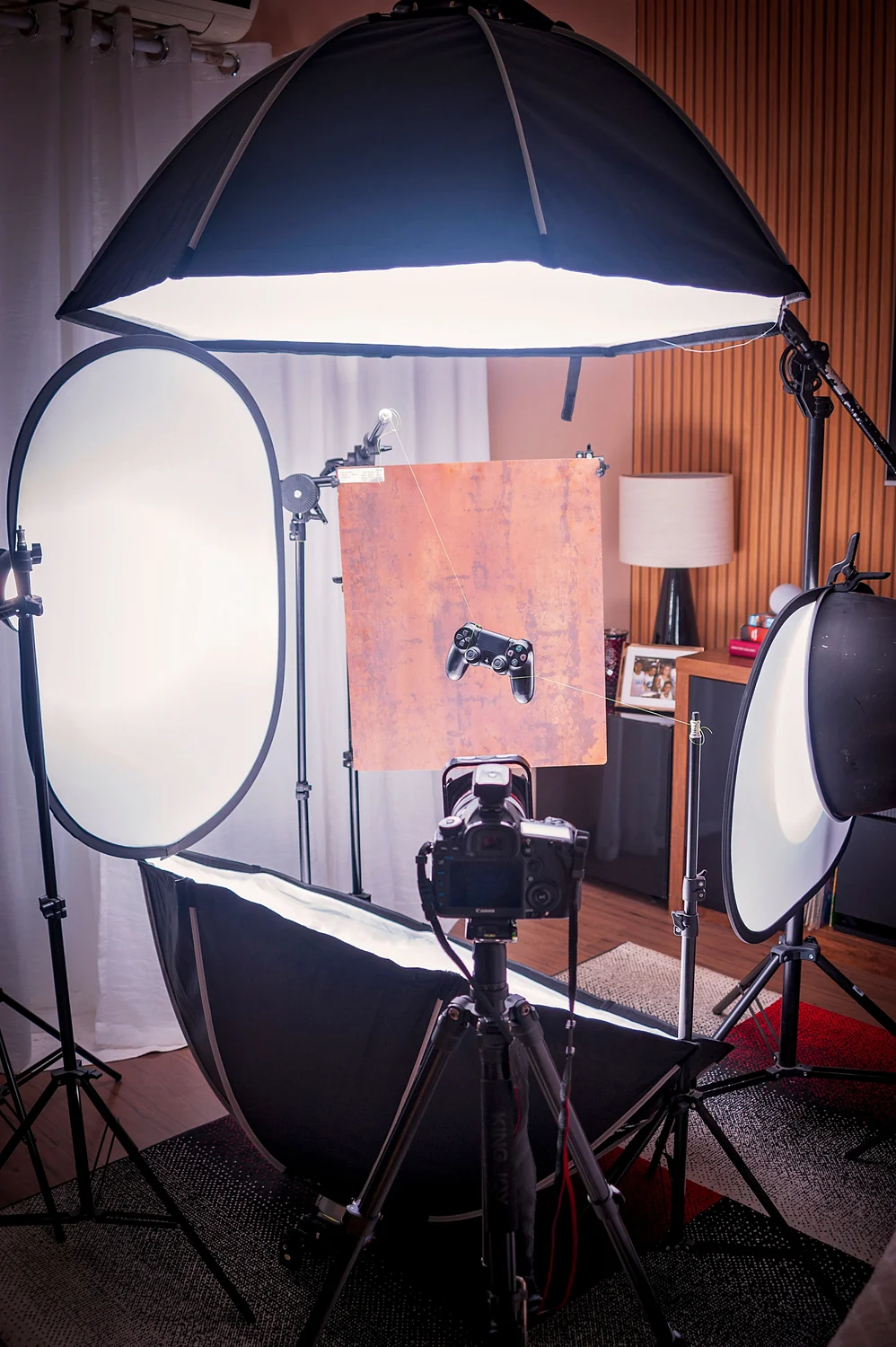
Photography capture covers the shoot itself: preparation, equipment, lighting, time and the people required. Retouching covers cleaning, colour work, background isolation and other agreed corrections. Graphic design covers layouts, typography, dimensions diagrams and supporting image copy. These may be offered by one provider, but they remain different tasks.
Management also consumes time. Someone needs to receive the product, confirm its condition, check the shot list, choose images, collect feedback and arrange return shipping. If those responsibilities are absent from the quote, they will usually land on your team rather than disappear.
Write down the expected outcome for each cost category. For example, “three accurate product views on white” is easier to price and approve than “premium images.” A defined outcome also helps when you need to reduce scope.
Build the shot list before requesting prices
List the buyer questions your gallery must answer. A storage product may need the closed view, open interior, measurements, included dividers and a shelf-use scene. Some answers require new photography. Others can use one verified photograph within a carefully designed diagram.
Give every requested shot an identifier, a purpose and a production note. Include the variation, product orientation and any required props. Mark optional shots separately. Your provider can then show the cost of adding a lifestyle scene rather than hiding it inside a vague package.
| Asset | Buyer question | Production requirement |
|---|---|---|
| Product view | What is it? | Clean capture of exact variation |
| Interior view | What fits inside? | Open product, controlled angle |
| Dimensions graphic | Will it fit? | Verified measurements plus layout |
| Included items | What arrives? | All shipped components organized |
| Use scene | How will I use it? | Suitable location and disclosed props |
Use a fictional budget to expose tradeoffs
The following is an invented planning exercise, not a price survey, quote or prediction of what a provider will charge. Imagine a brand sets an internal allowance of 1,000 budget units for one simple tabletop product. The currency does not matter; the exercise shows where resources might go.
The brand allocates 120 units to preparation and the shot list, 350 to capture, 180 to retouching, 180 to supporting graphics, 70 to shipping and sample handling, and 100 to a contingency. These allocations total 1,000. Real projects should replace each figure with a written quote.
If a styled kitchen scene adds 250 units, the team must make a choice. It could increase the allowance, remove an optional scene elsewhere, or use an existing suitable location with an agreed simpler setup. Cutting all retouching to keep the kitchen scene may undermine every image. The budget makes that tradeoff visible before production.

Identify cost drivers that image count misses
Product complexity can matter more than image count. Polished metal reflects the set. Clear glass needs careful edge definition. Jewellery may require close focusing and detailed cleanup. Furniture may require transport, assembly and enough floor space to show realistic scale.
Variations add a different kind of work. A range of six colours may share the same camera and lighting setup, but every sample still needs preparation, capture and checking. Ask whether each variation will be photographed or digitally recoloured. Decide whether that approach can represent the actual finishes accurately.
People, locations and props should be explicit. A hands-only demonstration has different arrangements from an identifiable model in a rented room. Clarify who sources props, who approves them and what permissions or usage terms apply to the material being delivered.
Define what retouching includes
Ask the provider to distinguish ordinary cleanup from changes to the product. Removing temporary dust is different from removing a permanent seam. Correcting exposure is different from making a dark coating appear pale. Your brief should protect the physical characteristics customers will receive.
Request a representative proof before a large batch is finished. If the brand dislikes the edge treatment, colour or shadow, correcting one proof is simpler than reopening thirty completed files. Agree who supplies consolidated feedback and how many revision rounds are included.
Also define what counts as a reshoot. A photography error should be handled differently from a late decision to change packaging or add a new angle. Written expectations help both sides plan their time without turning every comment into a disagreement.
Clarify rights, files and long-term use
Know where the delivered photographs can be used: Amazon, your own store, email, advertising or other channels. Read the proposed licence and ask the provider to explain anything unclear. Do not assume that receiving a JPEG means every possible use is included.
List the final file formats, approved resolutions and whether layered design files or original captures are included. Source files can be valuable for future language changes or new dimensions, but they may have a separate price or availability. Ask before hiring rather than at delivery.
Keep a copy of the approved shot list, licence, invoice and final deliveries together. A new team member should be able to tell which images are current and what they are allowed to do with them.
Keep the first brief comparable
Send the same brief to each provider you are comparing. If one receives a request for five plain product views and another receives a mood board with a styled room, the resulting quotes will not answer the same question. Invite providers to suggest alternatives, but ask them to separate the required scope from optional additions.
Record assumptions beside the total: number of physical samples, number of approved images, review rounds, delivery date and permitted uses. A slightly higher total with clear responsibilities may be easier to manage than a low estimate with important work left undefined.
Choose where AI helps and where new capture is needed
AI-assisted layout and scene exploration may reduce some production work, but a poor product reference still creates review costs. Capture reliable source photographs first when labels, mechanisms, proportions or unusual materials are hard to describe. Compare the complete cost of capture, generation and correction.
ListingBrain can help develop coordinated gallery and A+ visuals from a product reference. It does not remove your responsibility to check the output or replace a provider's agreed deliverables. The AI versus designer guide helps you decide which tasks need human design judgement.
Before accepting a quote, compare it against the product photography shot list and provider selection guide. A good budget buys the evidence your listing needs and leaves enough room to review it properly.
Editorial photographs are credited beside each image. They illustrate the topic and do not represent ListingBrain customer results or an endorsement by a depicted person.