Show the product clearly
Anchor the image in the exact product and the buyer question it needs to answer.
Create 7 Amazon gallery images and 5 coordinated A+ Content modules from one product reference. Review, regenerate and export with ListingBrain.
Turn one product reference into a clear visual system for your Amazon detail page. ListingBrain plans the story, then creates gallery images and A+ modules you can review and regenerate individually.
ListingBrain creates the seven gallery slots and five A+ modules as one coordinated system. The gallery establishes product recognition, explains the strongest buying reasons and answers practical questions. The A+ modules continue that story with more room for construction, use and brand context.
You review the complete set instead of approving disconnected images. If one slot is weaker than the rest, regenerate that slot to create another version; the other approved visuals remain available.
Anchor the image in the exact product and the buyer question it needs to answer.
Use a short, specific message and make the product evidence easy to inspect.
Review colour, typography and product details across the complete set.
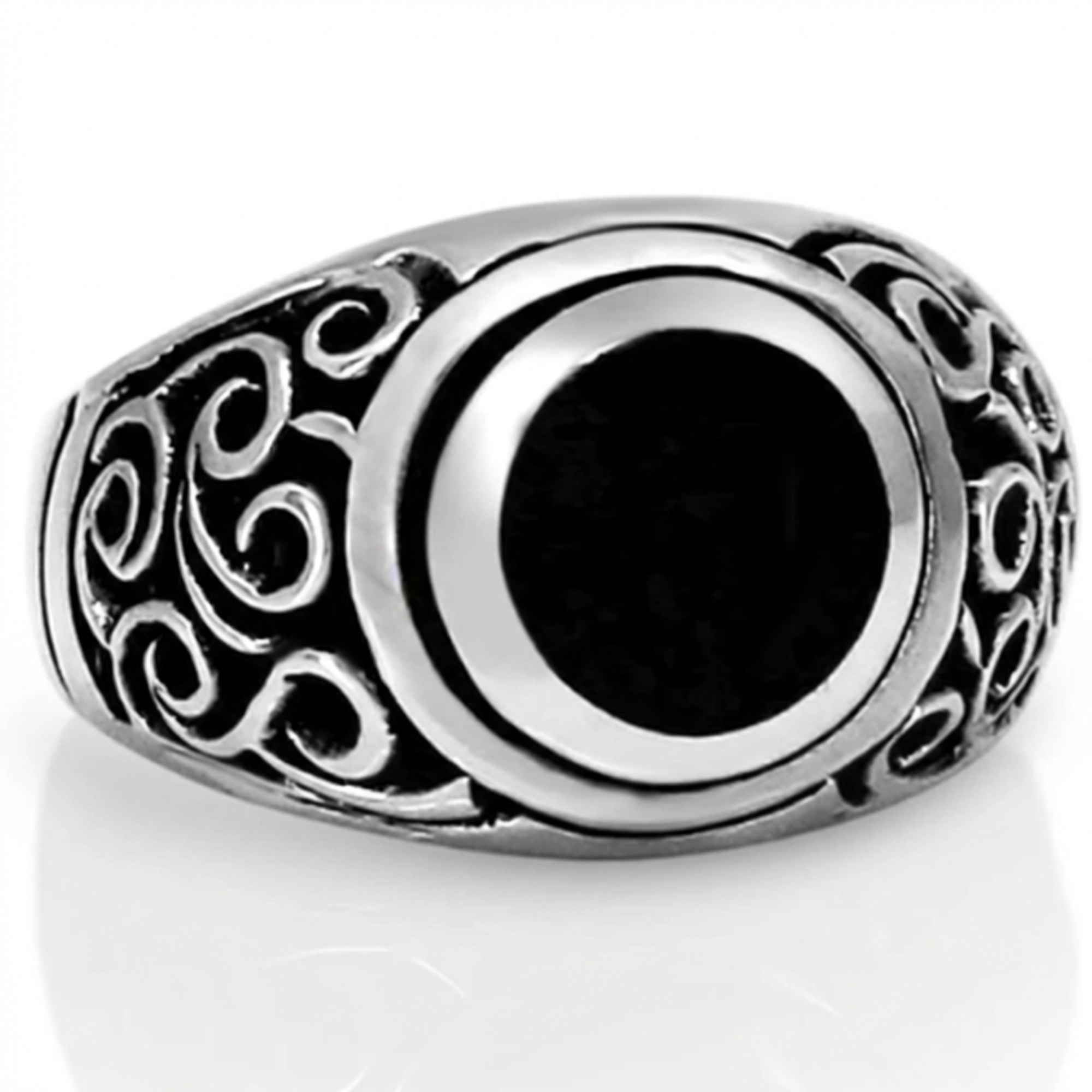
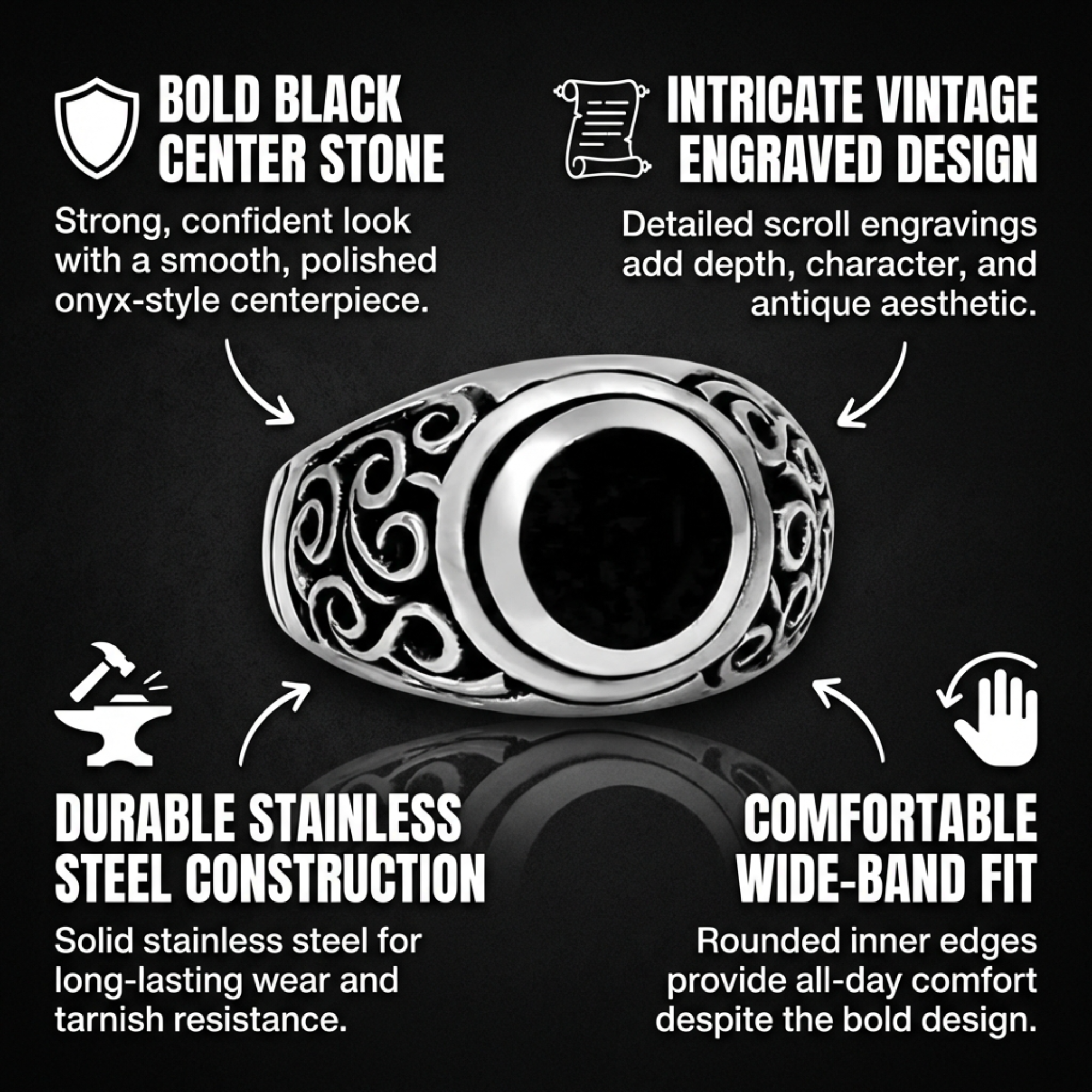
For a men's onyx ring, the set can move from a product-first composition to material detail, fit and gifting context, then continue into wider A+ modules. The screenshots below are real ListingBrain outputs, not interface mockups.

| Workflow | What you receive | Best fit | Iteration |
|---|---|---|---|
| ListingBrain | 7 gallery images + 5 A+ modules | A complete Amazon visual system | Regenerate one slot at a time |
| General AI image tool | Individual images | Exploring isolated concepts | Rebuild prompts manually |
| Traditional design project | Scope agreed with a designer | High-touch art direction | Revision rounds depend on the engagement |
Yes. A full ListingBrain project produces seven gallery visuals and five coordinated A+ modules from the same product information.
You can regenerate an individual slot to receive another version without restarting the complete set.
No. Regeneration creates a fresh version from the product inputs and visual direction already supplied.
No. Always verify product accuracy, claims, labels, included items and current Amazon category requirements before publishing.
Upload a clear product reference, add verified details and create a coordinated set you can review before publishing.
Get started with ListingBrain