Readable on mobile
Anchor the image in the exact product and the buyer question it needs to answer.
Learn how to build clearer Amazon listing images and generate gallery visuals with ListingBrain.
A strong Amazon image set helps shoppers scan the product at speed. The main image gets attention; the remaining gallery should answer the questions that decide the purchase.
A strong image stack is a decision path. The first frame identifies the product; early supporting images explain the primary benefit; middle frames prove construction, compatibility or size; later frames add realistic use and final confidence.
ListingBrain creates the set in one visual direction, making it easier to spot duplication. If two frames make the same point, keep the clearer one and use regeneration to explore another version of the weaker slot.
Anchor the image in the exact product and the buyer question it needs to answer.
Use a short, specific message and make the product evidence easy to inspect.
Review colour, typography and product details across the complete set.
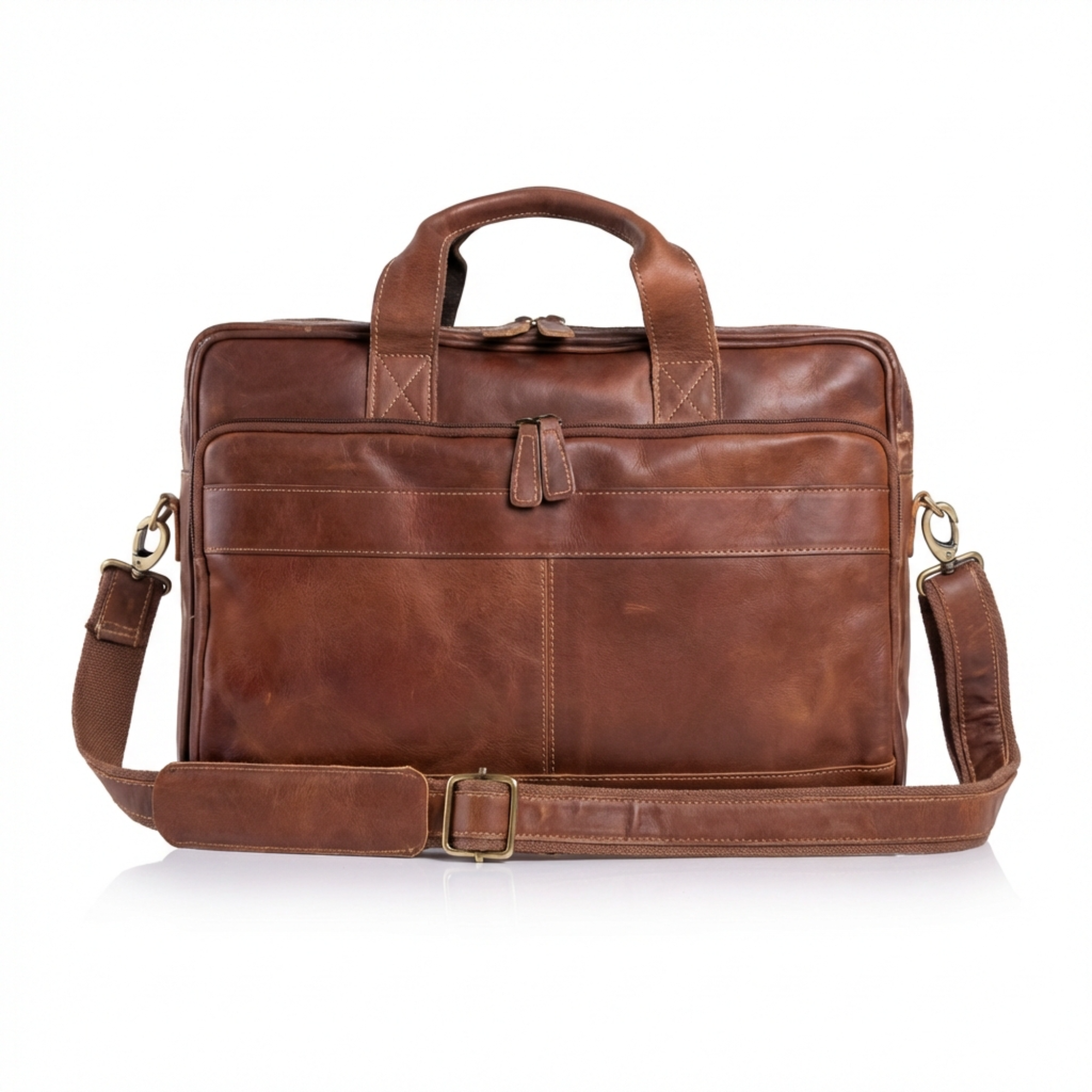
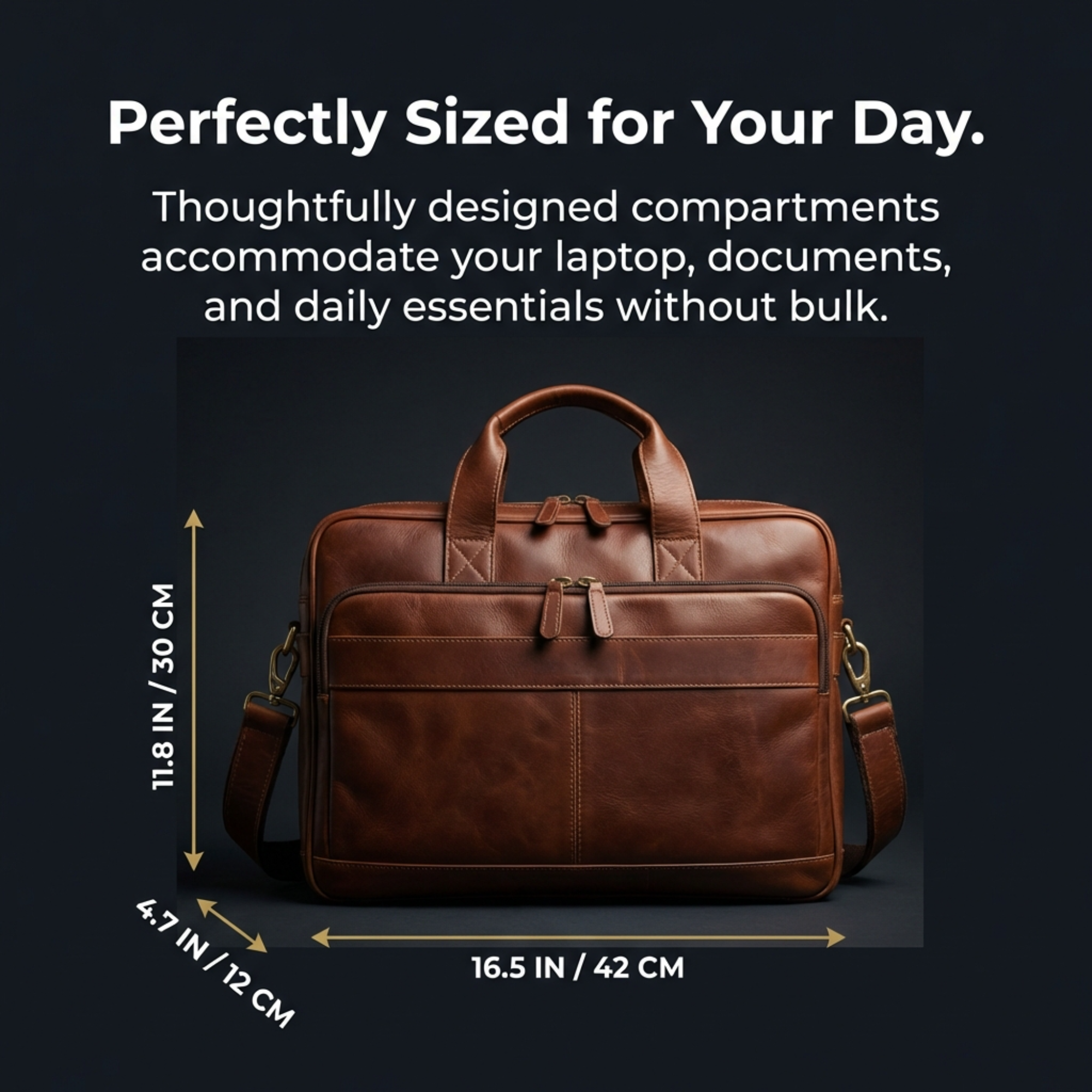
This sample pairing shows how a product-first frame and a wider brand module can share visual cues while doing different jobs. A complete project adds the remaining benefit, proof, scale and use frames.

| Slot purpose | Question answered | Useful evidence |
|---|---|---|
| Product-first | What exactly is this? | Current product and variation |
| Benefit | Why should I care? | Specific, supportable outcome |
| Feature proof | Why should I believe it? | Material, detail or mechanism |
| Scale / contents | Will it fit and what arrives? | Dimensions and included components |
| Use context | How does it fit my routine? | Credible environment or demonstration |
Use enough approved slots to answer the important buying questions without adding repetitive filler.
Usually the strongest benefit, then proof, practical details, scale or contents and believable use context.
No. Text should clarify a specific point; a clean product or detail view can be stronger without extra copy.
ListingBrain creates another version for that slot so you can compare it with earlier versions.
Upload a clear product reference, add verified details and create a coordinated set you can review before publishing.
Get started with ListingBrain