The practical answer is not a universal number. Use the available gallery to remove the important uncertainty around your product, and stop when the remaining images would only repeat earlier messages.
Amazon's public FBA guidance encourages multiple high-resolution images and mentions a six-to-eight-image range as a useful listing practice. Treat that as guidance—not a substitute for the current requirements of your category and marketplace.
Real ListingBrain output
These examples were generated through ListingBrain and show the type of visual system discussed in this guide.
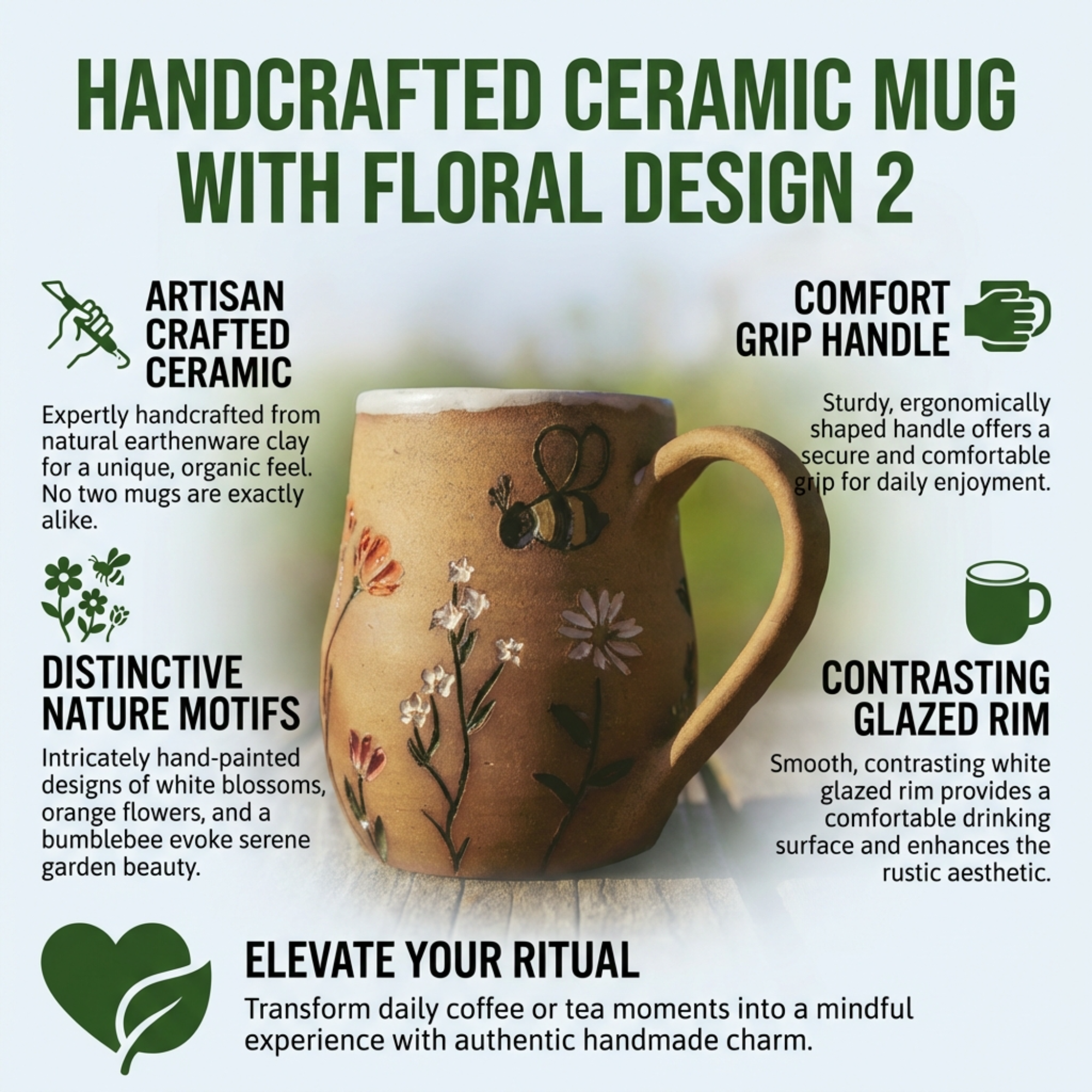
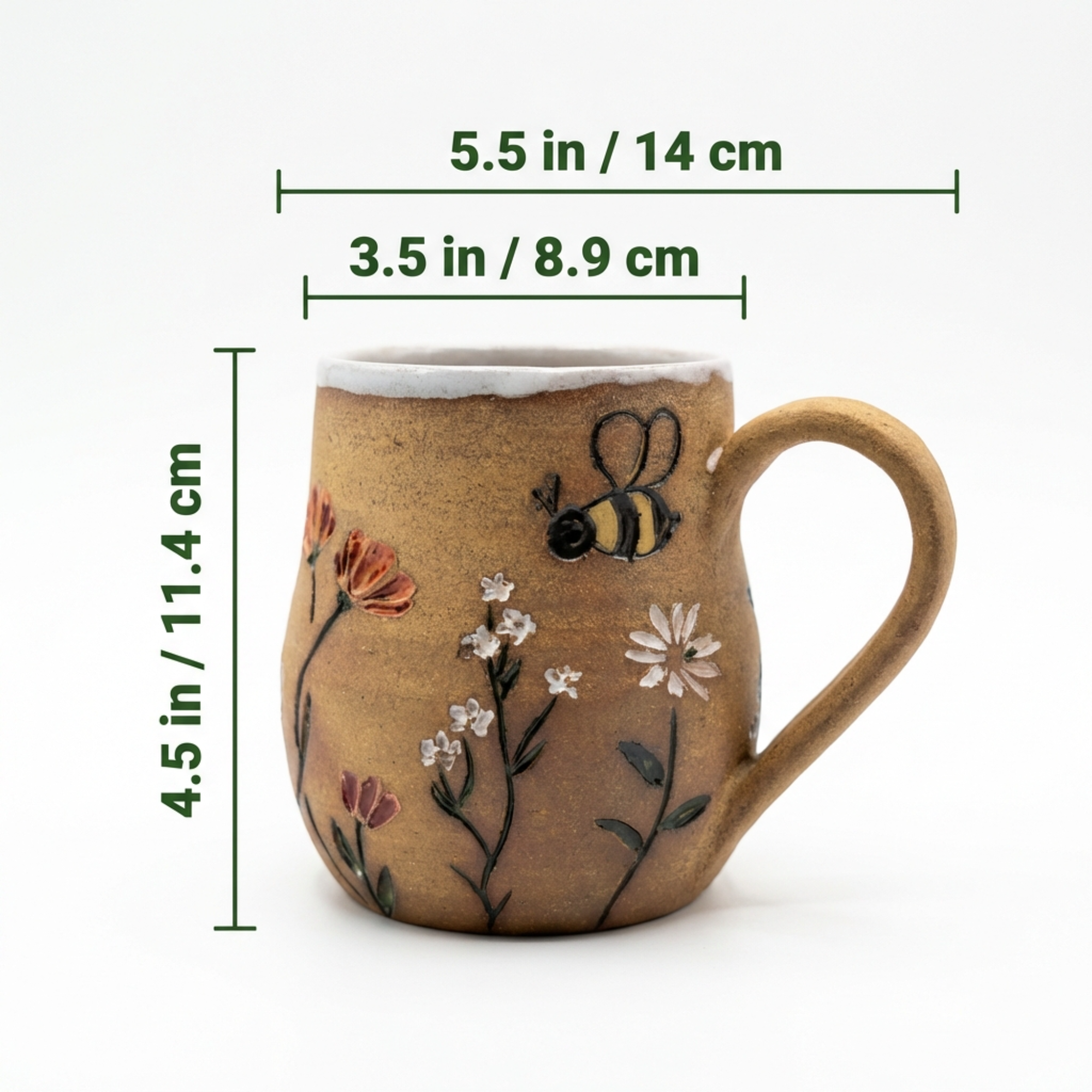
A practical checklist
- Product identification is immediate.
- The strongest buyer benefit appears early.
- At least one frame proves an important feature.
- Scale, fit or included items are shown where relevant.
- A believable use case adds information rather than decoration.
- No two images perform the same job.
Use the workflow on a real SKU
Decision table
| Suggested position | Primary job | Keep it when… |
|---|---|---|
| 1 | Recognise the product | The exact item and variation are clear |
| 2 | State the core benefit | It names a real reason to choose |
| 3–4 | Prove features | Details reduce doubt |
| 5–6 | Explain scale, contents or use | The information affects purchase confidence |
| Later slot | Resolve the final objection | It adds something new |
Check the current Amazon source
Amazon programs and requirements can change. Confirm the current details for your marketplace and category before publishing.
Amazon Ads: FBA listing guidanceFrequently asked questions
Do I need to fill every image slot?
No. A shorter, useful gallery is better than repetitive filler.
Which image should come second?
Usually the strongest buyer-facing benefit, provided the claim is accurate and the visual remains clear.
How do I decide what to cut?
Remove the frame that repeats information or adds atmosphere without improving understanding.
Create the set, then review every result
ListingBrain creates coordinated gallery images and A+ Content from your product reference. Regenerate individual slots when you want another version, then verify the final exports against the real product.
Create your listing