Requirements are easiest to manage when you separate product truth from creative presentation. Product truth covers the exact item, variation, quantity, labels and included components. Creative presentation covers hierarchy, background, type and the order in which supporting images explain the offer.
Amazon requirements vary by marketplace, category and asset type. Use this guide as a production checklist, then verify the current rules inside Seller Central before uploading.
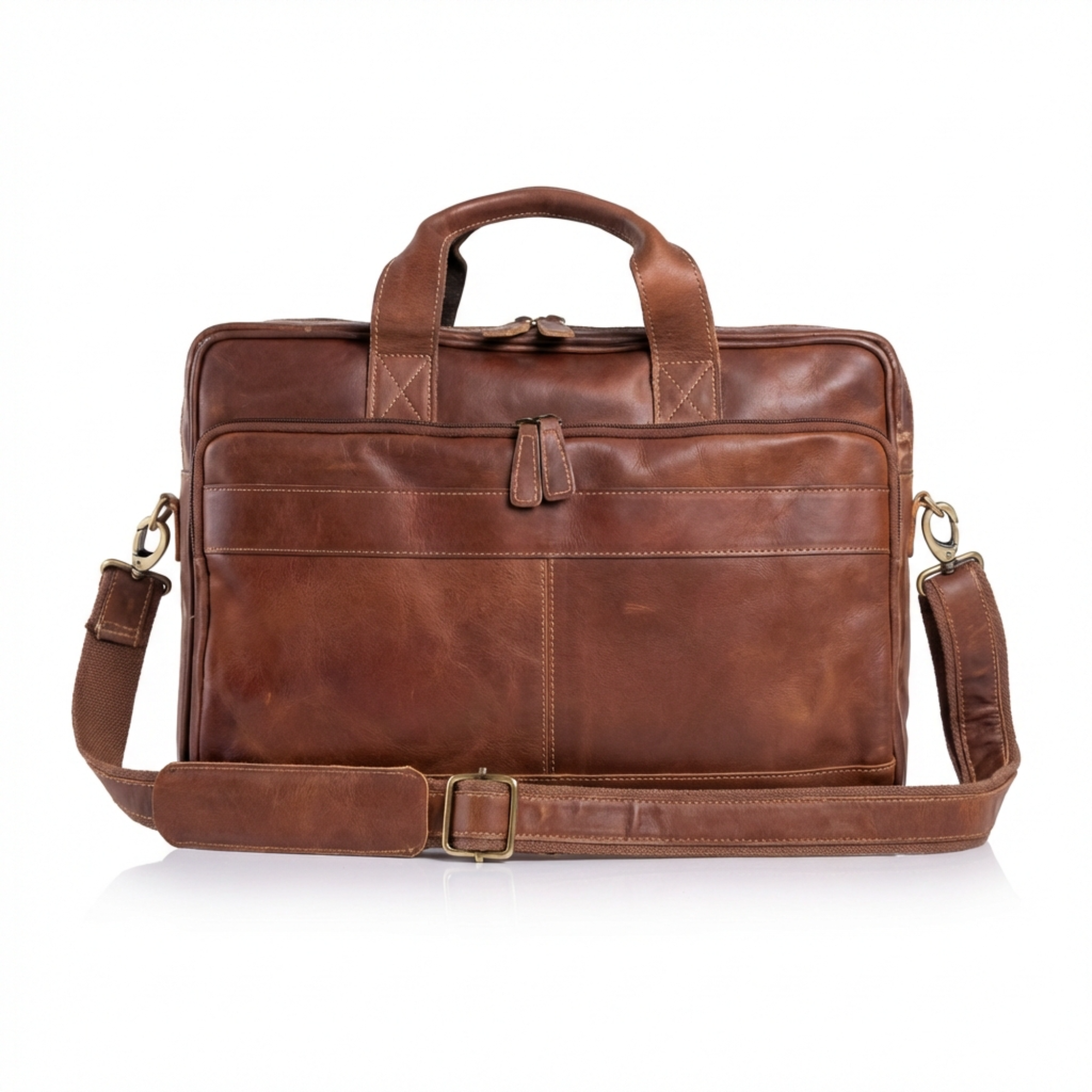
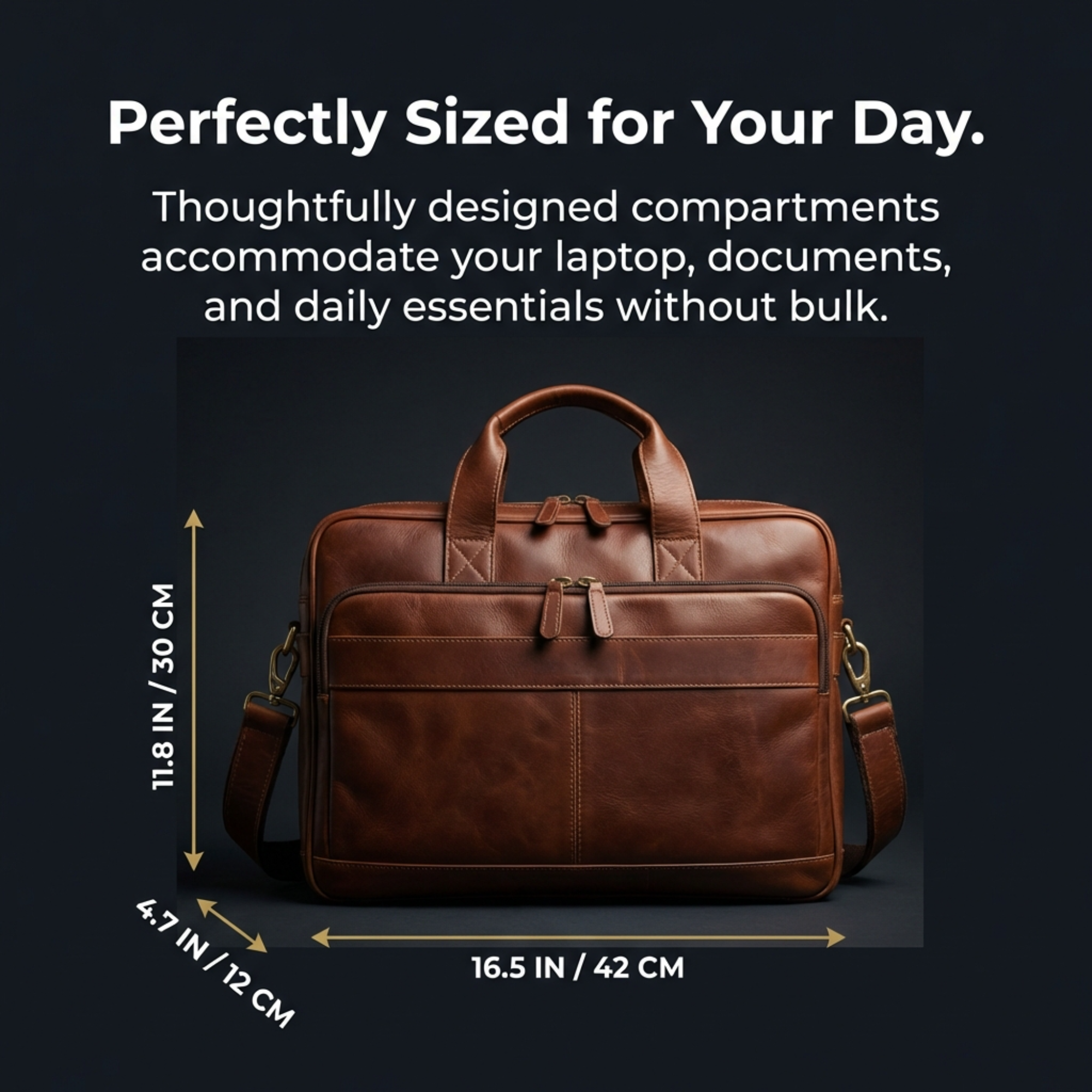
Real ListingBrain output
These examples were generated through ListingBrain and show the type of visual system discussed in this guide.
A practical checklist
- The pictured product matches the active variation.
- Pack count, accessories and packaging are not implied incorrectly.
- Dimensions, compatibility and claims are verified.
- Supporting-image text remains readable at phone size.
- Every image adds new decision-making information.
- A human reviewer checks the final exports before upload.
Use the workflow on a real SKU
Decision table
| Review area | Pass condition | Common failure |
|---|---|---|
| Product identity | Shape, colour and labels match | Generated detail changes the item |
| Included items | Only shipped components are shown | Props look included |
| Claims | Specific and supportable | Unqualified superlatives |
| Mobile clarity | One message is readable quickly | Paragraph copy and tiny icons |
Check the current Amazon source
Amazon programs and requirements can change. Confirm the current details for your marketplace and category before publishing.
Amazon Ads: FBA listing guidanceFrequently asked questions
Are the same rules used in every category?
No. Asset and category requirements can differ, so check the current guidance for the exact marketplace and category.
Can supporting images contain text?
Supporting visuals often use concise text, but it must remain accurate and readable. Confirm current category rules before upload.
Who is responsible for an AI-generated mistake?
The seller must review the output and ensure the listing represents the product accurately.
Create the set, then review every result
ListingBrain creates coordinated gallery images and A+ Content from your product reference. Regenerate individual slots when you want another version, then verify the final exports against the real product.
Create your listing