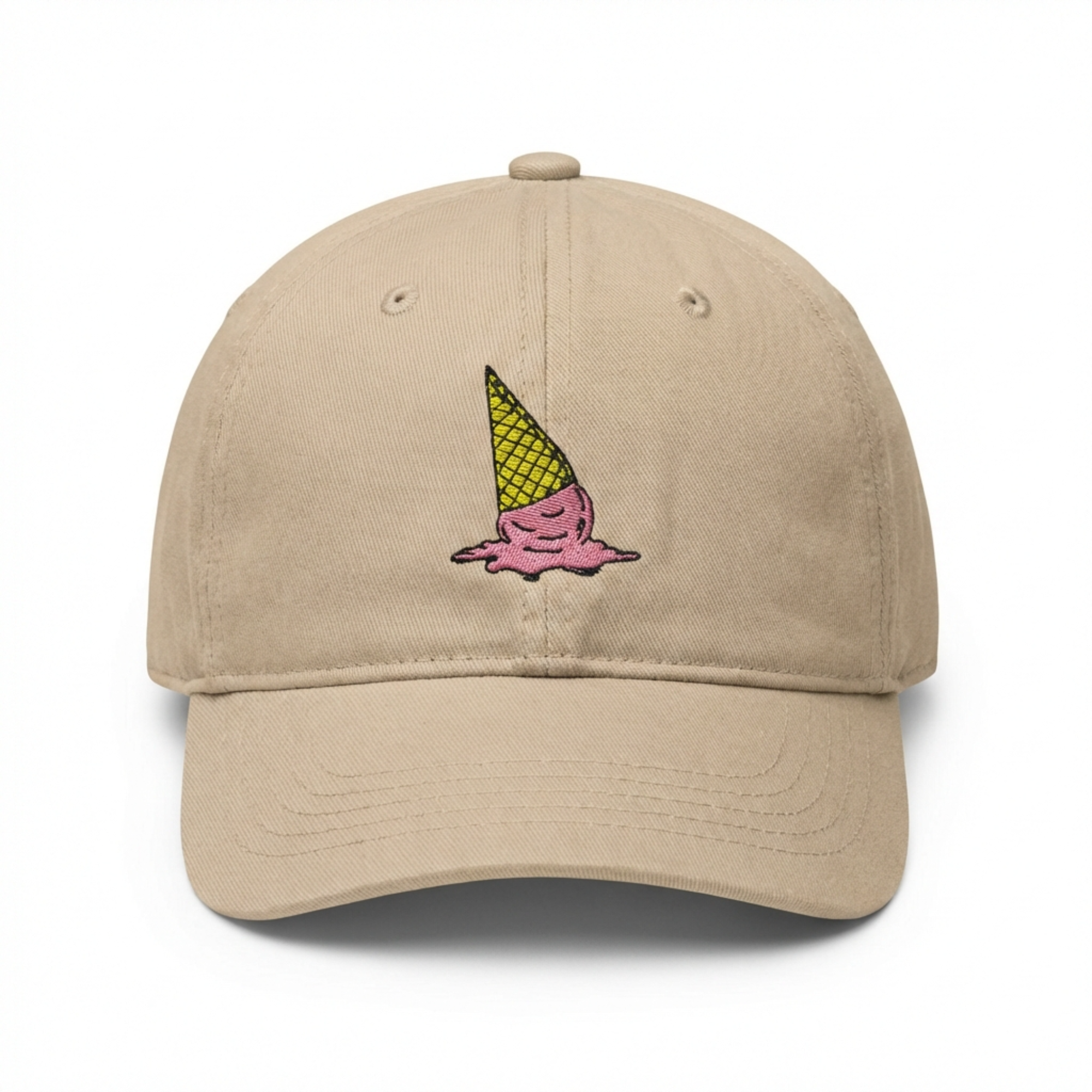
The practical point
The main image earns the click only when the product is immediate, recognisable and free from visual ambiguity.
The main image has a different job from the rest of the gallery: it must create immediate product recognition in a crowded search result. Treat it as a product-identification asset, then let the supporting visuals do the education and persuasion.
How to use this on a real SKU
- Use the exact product and current variation.
- Make the item large enough to understand instantly.
- Check the relevant Amazon category rules before upload.
What experienced sellers review before publishing
Correct product, clean background where required, visible included components, no misleading add-ons and no unreadable micro-detail.
Before publishing, check the actual variation selected in the listing. A polished image that shows the wrong quantity, colour or included item creates returns and erodes confidence even when the design itself looks excellent.
Keep every asset tied to the product that will actually ship. Check small-screen readability, the current variation, packaging and included components. If a generated image is not strong enough, regenerate that slot and compare the new version with the earlier result.
A stronger image system, not isolated graphics
| Asset | Buyer question | Best use |
|---|---|---|
| Main or product-first image | What is this? | Immediate recognition and confidence |
| Benefit or feature image | Why should I choose it? | One specific, supportable buying reason |
| A+ Content module | How does it fit my needs? | Deeper feature, use-case or brand context |
Build the visual set around your actual product
ListingBrain turns a product reference and the facts that matter into gallery images and A+ Content you can review and regenerate individually.
Create your listing