Original product input
A clean supplement bottle reference gives the workflow a stable product anchor. The goal is to make the product recognisable throughout the set.
A supplement listing needs a clear product view, readable benefit hierarchy and carefully controlled claims. This ListingBrain example shows how gallery visuals and A+ modules can stay useful without becoming a wall of text.
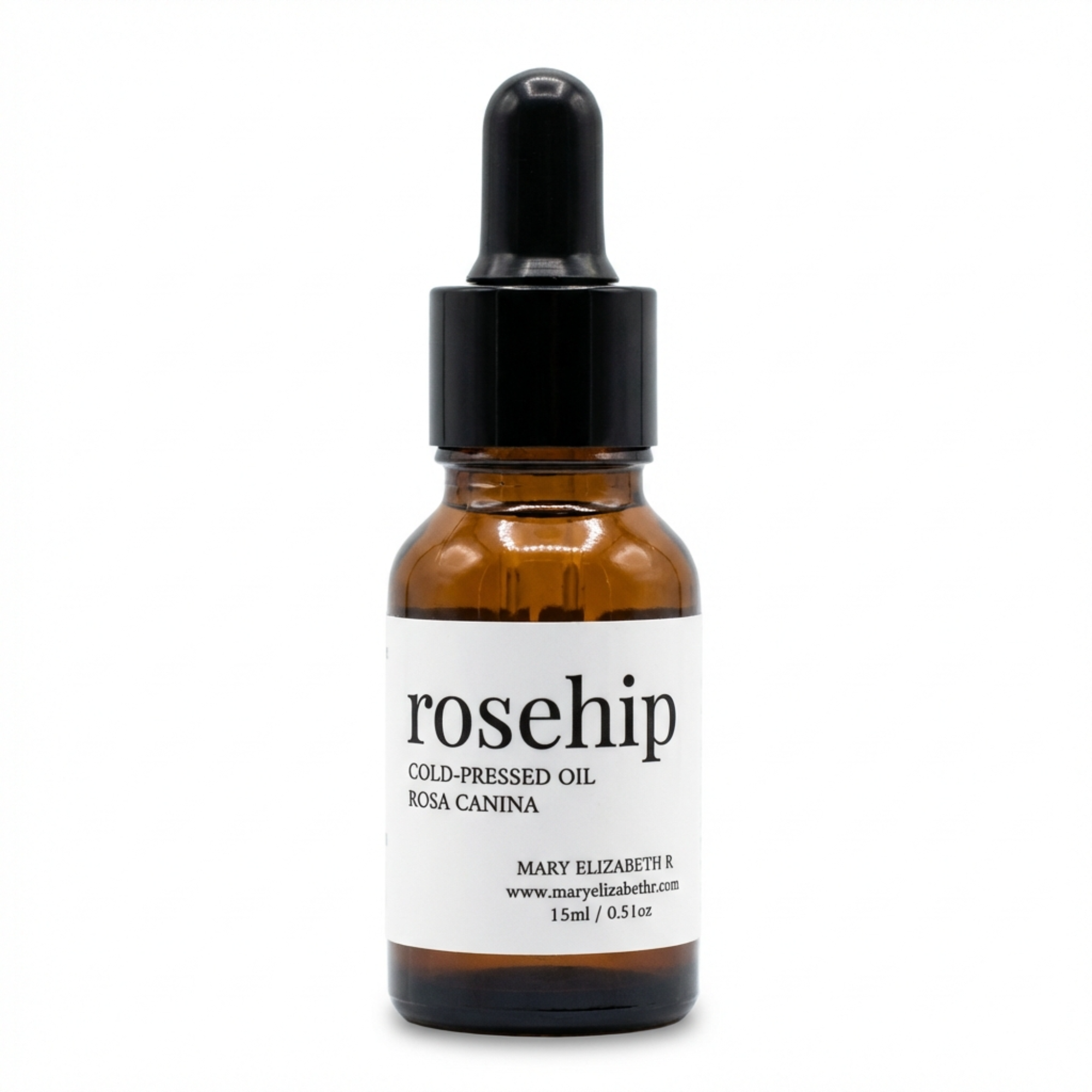
A clean supplement bottle reference gives the workflow a stable product anchor. The goal is to make the product recognisable throughout the set.
Gallery visuals explain the buying reasons; A+ modules extend that story with more room for feature and use-case detail.
One focused communication task per visual protects hierarchy and makes the listing easier to scan.
One focused communication task per visual protects hierarchy and makes the listing easier to scan.
One focused communication task per visual protects hierarchy and makes the listing easier to scan.
Shoppers compare products fast. Clear product, benefit and feature visuals reduce the effort required to understand the offer.
A+ modules work best when they use the same tone, colours and product information as the gallery rather than acting like a separate design.
Upload a product reference, provide the key details and create a complete listing visual set.
Start with ListingBrain