Original product input
A clean kitchen product reference gives the workflow a stable product anchor. The goal is to make the product recognisable throughout the set.
Kitchen products sell when the listing makes size, materials, included parts and real use easy to understand. This example shows a practical image sequence built around those questions.
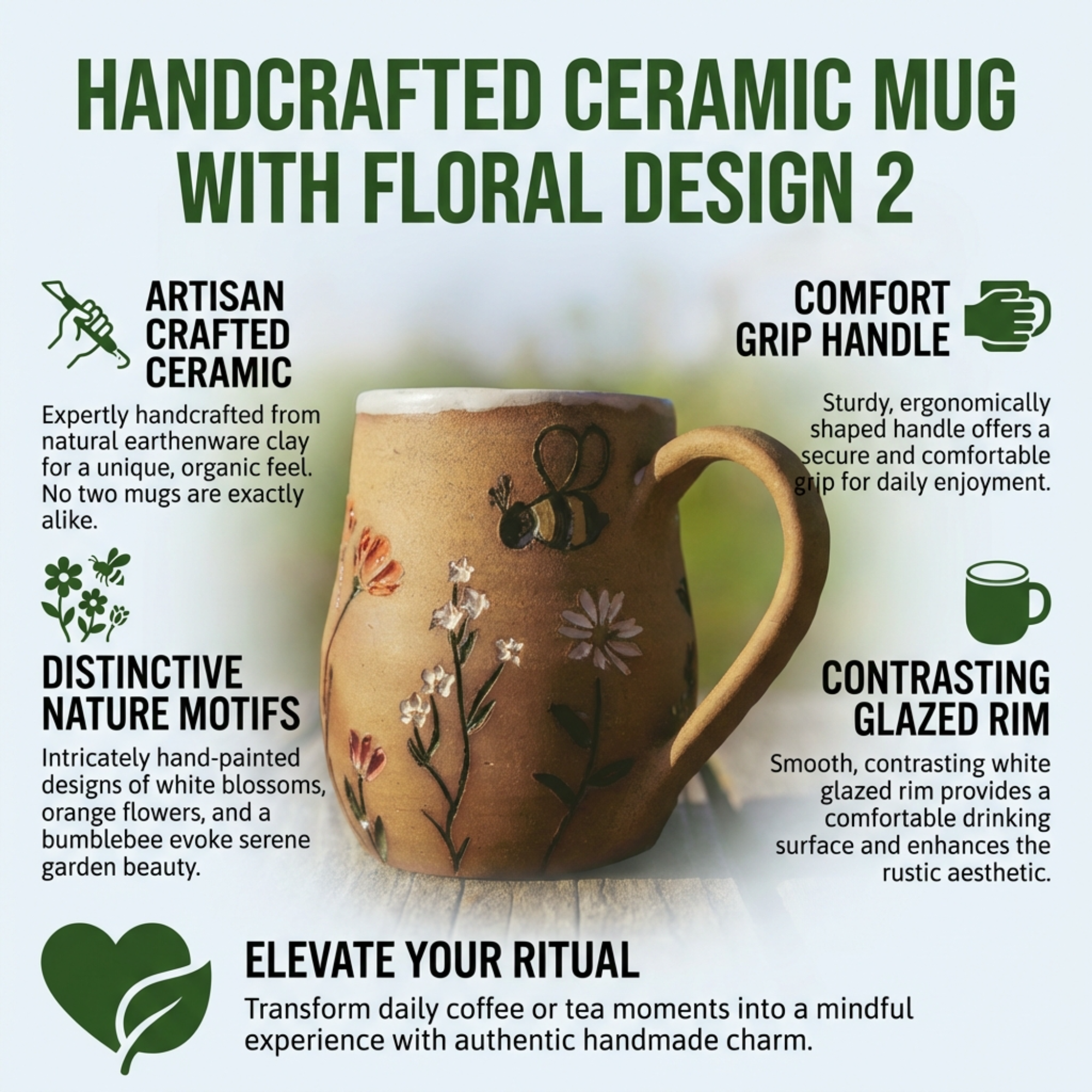
A clean kitchen product reference gives the workflow a stable product anchor. The goal is to make the product recognisable throughout the set.
Gallery visuals explain the buying reasons; A+ modules extend that story with more room for feature and use-case detail.
One focused communication task per visual protects hierarchy and makes the listing easier to scan.
One focused communication task per visual protects hierarchy and makes the listing easier to scan.
One focused communication task per visual protects hierarchy and makes the listing easier to scan.
Shoppers compare products fast. Clear product, benefit and feature visuals reduce the effort required to understand the offer.
A+ modules work best when they use the same tone, colours and product information as the gallery rather than acting like a separate design.
Upload a product reference, provide the key details and create a complete listing visual set.
Start with ListingBrain